How to Start a Realtor YouTube Channel: Set Up Your Room on a Budget
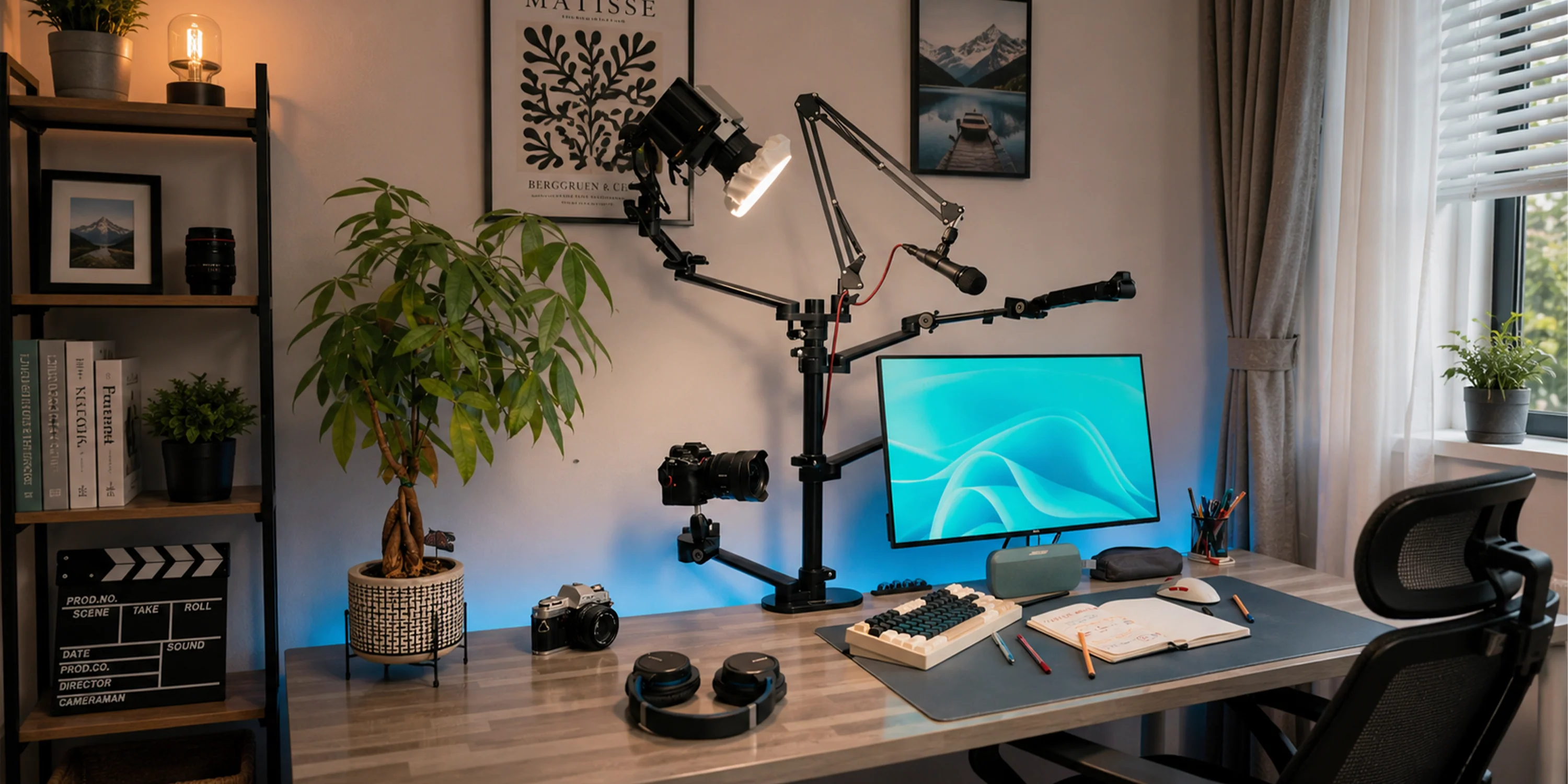
Every week, buyers and sellers watch YouTube videos about moving, neighborhoods, and the housing market before they talk to an agent. By the time they reach out, they’ve already decided who they trust. That’s usually the agent whose face they’ve been watching.
So why aren’t more realtors on YouTube? Most agents think they need a studio, a film crew, and thousands of dollars in gear. They don’t.
At Real Effect Media, we help real estate agents across the country build YouTube channels that bring in leads. And the first thing we tell every agent is this: you can set up a room that looks professional for a couple hundred dollars, in one afternoon, using space you already have.
Here’s how.
Why Every Realtor Should Be on YouTube
Before we get into the setup, here’s why this matters.
YouTube is a search engine. People type questions like “is it worth moving to Nashville” or “best neighborhoods for families in Phoenix.” When your video answers that question, you show up in front of someone who’s actively planning a move.
Your videos show up on Google too. Google owns YouTube and regularly shows videos in search results. One good real estate YouTube video can bring in leads for years.
It builds trust before the first call. A viewer who has watched you explain their market for 20 minutes already feels like they know you. That’s a much warmer lead than someone clicking an ad.
You own it. Portal leads stop the day you stop paying. A YouTube channel keeps working, and that’s what Real Effect Media is all about: helping agents build media they own.
Step 1: Pick Your Room
You don’t need a dedicated studio. A home office, a spare bedroom, or a corner of your living room works. Look for three things:
Quiet. Stay away from the kitchen, the washer and dryer, and rooms that face a busy street.
Soft stuff. Rugs, curtains, couches, and bookshelves soak up echo. An empty room with hard floors sounds like you’re recording in a bathroom. If your room echoes, throw down a rug and hang some curtains. That fixes most of it for next to nothing.
Room behind you. Sit three to four feet away from the wall. That depth makes your video look way more professional and gets rid of harsh shadows on the wall behind you.
If you can leave everything set up, even better. The easier it is to start filming, the more videos you’ll actually make.
Step 2: Cheap Lighting That Looks Expensive
Lighting is the biggest difference between a video that looks homemade and one that looks like a real estate brand. And it’s the easiest thing to fix cheaply.
Free option: use a window. Sit facing a window so daylight lands on your face. Never put the window behind you or the camera turns you into a shadow. Cloudy days give the softest, most flattering light.
Budget option: two softbox lights. A basic two light softbox kit from Amazon usually runs under $60 to $80. Put one light at about 45 degrees to one side of the camera, a little above eye level. Put the second on the other side, turned down lower, to fill in shadows. This setup is used on thousands of YouTube channels and looks great.
Also good: a small LED panel. Compact LED panels are cheap, don’t get hot, and let you adjust brightness and color. Use one as your main light next to a window.
Skip the ring light if you can. They work, but they put a ring shaped reflection in your eyes and make the light look flat. A softbox looks more natural for the price.
Match your lights. Set every light to the same color temperature (daylight, around 5600K, is the easy choice) and turn off the overhead lights. Mixing warm bulbs with daylight makes your skin look weird on camera.
Step 3: Audio (Don’t Skip This One)
People will watch a video that looks a little rough. They won’t watch one they can’t hear.
Your phone’s built in mic picks up echo and room noise. A wireless lavalier mic that clips to your shirt fixes that. Budget options start around $20 to $40, and popular picks like the DJI Mic or Rode Wireless GO are worth it if you plan to film a lot. Clip it about a hand’s width below your chin.
Before every session, record ten seconds and play it back with headphones on. Listen for echo, the AC humming, or your shirt rubbing against the mic.
Step 4: Use the Camera You Already Have
Your phone is good enough to start a realtor YouTube channel. Seriously. Modern iPhones and Android phones shoot sharp 4K video.
- Use the back camera, not the selfie camera. It’s a lot sharper.
- Get a tripod with a phone mount. They’re cheap, and they’re what make your shots look steady and professional.
- Put the camera at eye level or just slightly above. Filming from below your chin never looks good.
- Film horizontally for long videos and vertically for YouTube Shorts.
- Wipe the lens. A smudged lens is the number one reason agent videos look blurry.
Step 5: Build a Background That Says “Trusted Local Agent”
Your background should look clean and put together, with a little personality. Some easy ideas:
- A bookshelf with a few books, a plant, and one or two decor pieces
- A lamp in the corner behind you for warmth and depth
- A framed photo of your city or a local landmark
- Your brand colors in a pillow, print, or accent piece
What to hide: laundry, clutter, TVs, and anything with a logo that isn’t yours.
Don’t want to design a background at all? At Real Effect Media, our clients film in a simple space and we edit and composite their footage onto clean, branded backgrounds. You get the studio look without building a studio.
Your Budget Starter Kit
Here’s everything you need to start a real estate YouTube channel:
| Item | Rough cost |
|---|---|
| Your smartphone | Already own it |
| Phone tripod | $20 to $30 |
| Wireless lavalier mic | $20 to $150 |
| Two light softbox kit | $50 to $80 |
| Rug or curtains for echo | Whatever you have |
| Total | Usually under $250 |
That’s less than a month of most lead gen subscriptions.
Step 6: Get Your First Videos Out
Now for the part that actually grows your channel: consistency.
- Batch film. Record two to four videos in one sitting so you’re not setting up every week.
- Use bullet points instead of a script. You’ll sound more natural. If you’d rather read, a free teleprompter app works great.
- Wear solid colors. Thin stripes and busy patterns flicker on camera.
- Start with questions your clients already ask you. What’s it like to live here? Which neighborhoods are best for families? What does it cost to move here? Those make perfect first videos.
- Keep a checklist next to your setup: mic charged, lens wiped, lights on, phone on Do Not Disturb.
The Part Most Agents Get Stuck On
Setting up your room is the easy part. Most agents stall after filming. Editing takes hours. Thumbnails and titles are confusing. And without keyword research, great videos never get found.
That’s exactly why Real Effect Media exists. We’re a done for you YouTube production and SEO agency built only for real estate agents. You film, and Real Effect Media handles everything else: editing, branded backgrounds, thumbnails, titles, keyword research, and publishing. Your channel grows while you stay focused on clients.
If you’re ready to start your realtor YouTube channel the right way, book a free strategy call with Real Effect Media. We’ll show you what buyers and sellers in your market are searching for and how your channel can show up first.
Frequently Asked Questions
How much does it cost for a realtor to start a YouTube channel?
You can start for under $250 with your phone, a tripod, a lavalier mic, and a basic softbox lighting kit.
What is the best cheap lighting for YouTube videos?
A two light softbox kit is the best value for most agents. A window facing you works great as a free option.
Do I need a professional camera to film real estate YouTube videos?
No. A modern smartphone shoots high quality 4K video. Good lighting and audio matter much more than the camera.
What should a realtor post on YouTube first?
Start with the questions clients already ask you: neighborhood guides, cost of living, moving to your area, and local market updates.
What does Real Effect Media do for real estate agents?
Real Effect Media is a YouTube production and SEO agency for real estate agents. We edit your videos, add branded backgrounds, create thumbnails, and optimize everything so your channel brings in leads.